Best AI Tools for Small Businesses in the USA
Published · The Times of New York
Discover the best AI tools for small businesses in the USA in 2026. Compare tools for marketing, sales, accounting, automation, and customer support.
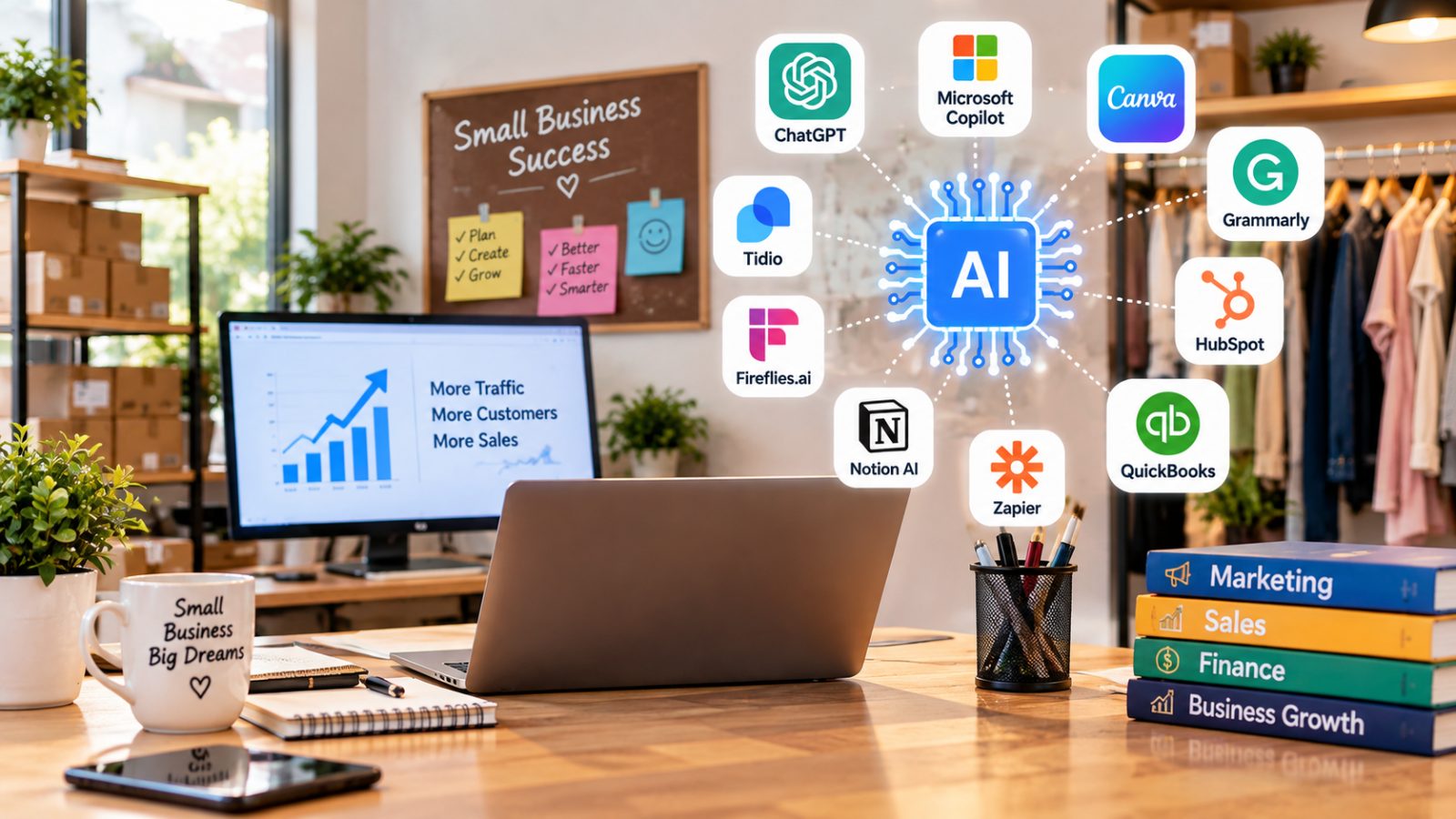
Running a small business in the United States is not easy. Business owners often have to manage marketing, customer service, sales, accounting, emails, and daily operations with limited time and money. Hiring a large team is not always possible, especially for startups and businesses working with tight budgets.
This is where artificial intelligence (AI) can make a real difference. The best AI tools for small businesses in the USA can help entrepreneurs automate repetitive tasks, create marketing content, respond to customers, organize projects, and make better business decisions.
The good news is that you do not need a large technology budget to get started. Many AI platforms offer free plans, limited free features, or affordable subscriptions for small teams.
In this guide, we explain 10 useful AI tools for American small businesses, what each tool does best, how to choose the right option, and how to start using AI without wasting money.
Quick Answer: What Are the Best AI Tools for Small Businesses in the USA?
The best AI tools for small businesses depend on your business goals, budget, and daily tasks. Here are 10 options worth considering in 2026.

These tools serve different purposes, so the best choice is not necessarily the one with the most features. It is the one that solves your most important business problem.
1. ChatGPT: Best Overall AI Tool for Small Businesses
ChatGPT is a flexible AI assistant that can help small-business owners with writing, brainstorming, research, planning, and many everyday administrative tasks.
For example, a local cleaning company can use it to draft service descriptions, prepare customer emails, develop promotional ideas, and create answers to common customer questions.
What Can Small Businesses Do With ChatGPT?
- Write professional emails and customer responses.
- Generate social media post ideas and marketing copy.
- Draft blog outlines and website content.
- Brainstorm business names, offers, and campaign ideas.
- Summarize documents and analyze supported spreadsheets or files.
- Create checklists, standard operating procedures, and business plans.
Best for: Startups, freelancers, online stores, consultants, and service-based businesses.
Budget tip: Start with the free option if it meets your needs. Consider a paid plan only when its additional capabilities or usage limits justify the expense.
AI-generated content should always be reviewed before publication. Check factual claims, especially when content involves legal requirements, financial decisions, or customer promises.
2. Microsoft Copilot: Best for Everyday Office Work
Microsoft Copilot is worth considering for businesses that already use Microsoft products such as Word, Excel, Outlook, and Teams. Depending on the version and subscription, its AI features can assist with writing, summarizing information, and working with documents.
A small consulting firm, for instance, may use AI assistance to prepare a meeting agenda, improve a proposal, or summarize a long document.
Key Benefits
- Draft and refine business documents.
- Help summarize emails and other information.
- Assist with spreadsheet analysis.
- Support meeting preparation and follow-up where available.
- Reduce repetitive office work.
Best for: Businesses that rely heavily on Microsoft 365.
Before purchasing, confirm which Copilot features are included in your existing subscription. Availability and capabilities vary by product and plan.
3. Canva AI: Best for Marketing Graphics and Visual Content
Small businesses need attractive visuals for websites, advertisements, social media, presentations, and promotional campaigns. Canva AI can help people without professional design experience produce these materials more efficiently.
A restaurant in Texas could use Canva to create a weekly menu graphic, while an online clothing store could prepare product promotions and social media posts.
What Can Canva AI Help Create?
- Social media graphics and promotional posts.
- Presentations and business proposals.
- Marketing flyers and digital advertisements.
- Visual concepts for campaigns.
- Designs adapted for different platforms, depending on available features.
Best for: Retail stores, restaurants, online businesses, creators, and local service providers.
Canva offers free and paid options, but AI usage limits and specific features depend on the plan. Review generated designs for inaccurate text, image inconsistencies, and brand suitability before publishing.
4. Grammarly: Best for Professional Business Communication
Clear communication helps businesses build trust. Spelling errors, unclear emails, and awkward wording can make a company appear less professional.
Grammarly helps users review writing, correct grammar, improve clarity, and adjust tone. Depending on the plan, it can also provide AI-assisted writing support.
Practical Uses for Small Businesses
- Proofread customer emails.
- Improve product descriptions.
- Refine website copy.
- Make proposals easier to understand.
- Check the tone of customer support messages.
Best for: Freelancers, consultants, customer support teams, and businesses that communicate frequently in writing.
Grammarly is especially useful as a final editing step. It should support your own judgment rather than automatically rewriting every message.
5. HubSpot: Best AI-Assisted CRM for Sales and Marketing
Customer relationship management, commonly called CRM, helps businesses keep track of leads, customers, sales conversations, and follow-ups.
HubSpot combines CRM features with marketing and sales tools. Its AI capabilities can assist with tasks such as drafting messages, summarizing records, and creating marketing content, depending on the product and plan.
How HubSpot Can Help
- Organize customer and prospect information.
- Track sales opportunities.
- Manage follow-up activities.
- Support email marketing and lead management.
- Help teams understand customer interactions.
Imagine a small real estate agency receiving inquiries from dozens of potential buyers. A CRM can help staff organize those leads, record conversations, and remember the next action for each prospect.
Best for: Service businesses, B2B companies, marketing agencies, and growing sales teams.
HubSpot has offered free CRM functionality, but the features available without payment and the limits on paid tiers can change. Check current plan details before making a decision.
6. QuickBooks: Best for Accounting and Financial Organization
Managing business finances takes time, especially when owners must track expenses, invoices, payments, and cash flow while running daily operations.
QuickBooks provides accounting and bookkeeping software with automation and AI-related capabilities in supported products and plans.
What Can It Help With?
- Organize income and expenses.
- Prepare and manage invoices.
- Track payments and financial records.
- Review financial reports.
- Support bookkeeping workflows and transaction categorization.
Best for: Freelancers, contractors, retailers, and small businesses that need organized financial records.
QuickBooks is accounting software, not a replacement for a qualified accountant. Review automatically categorized transactions, verify tax-related information, and confirm that the product fits your business structure and reporting needs.
7. Zapier: Best for Automating Repetitive Tasks
Many small businesses use several applications that do not automatically share information. Zapier connects supported apps and lets users create automated workflows, often without writing code.
For example, when a potential customer completes a website form, an automation might add the lead to a spreadsheet or CRM, send a notification, and trigger a follow-up email.
Examples of Useful Automations
- Send form submissions to a CRM.
- Notify your team when a new order arrives.
- Connect scheduling tools with business applications.
- Move information between supported platforms.
- Trigger workflows based on specific events.
Best for: Online stores, marketing agencies, consultants, and businesses that repeat the same administrative tasks.
Some workflows and AI-powered features may require paid plans or usage credits. Start by automating one low-risk task, then check that the workflow works correctly before relying on it.
8. Notion AI: Best for Business Planning and Documentation
Small businesses often keep important information scattered across documents, notes, emails, and chat messages. Notion helps bring project information and documentation into a more organized workspace.
Notion AI adds assistance for supported writing, summarization, brainstorming, and information-management tasks.
How Business Owners Can Use It
- Create standard operating procedures.
- Summarize long internal documents.
- Prepare project plans and task lists.
- Organize meeting notes.
- Maintain a searchable knowledge base for employees.
Best for: Small remote teams, startups, agencies, and businesses managing multiple projects.
Notion can be especially valuable when employees need a consistent place to find instructions and project details. Check the current subscription to understand which AI capabilities are included.
9. Fireflies.ai: Best for Meeting Transcription and Summaries
Business meetings often generate important decisions, follow-up tasks, and customer commitments. Without reliable notes, details can be forgotten or misunderstood.
Fireflies.ai is a meeting assistant that can record, transcribe, and summarize supported meetings when configured appropriately.
Key Uses
- Produce meeting transcripts.
- Summarize discussions.
- Identify action items.
- Search past meeting records.
- Help teams review decisions and follow-ups.
Best for: Consultants, remote teams, sales professionals, and businesses that hold frequent online meetings.
Always inform participants and obtain any consent required by applicable laws and company policies before recording meetings. Do not upload confidential conversations without checking privacy, access, and retention settings.
10. Tidio: Best for AI-Assisted Website Customer Support
Customers may visit a website outside normal business hours. If they cannot find answers to basic questions, some may leave without contacting the business.
Tidio combines website live chat with customer-support automation and AI chatbot capabilities, including its Lyro product.
What Can It Do?
- Answer supported common customer questions.
- Provide website visitors with chat assistance.
- Help customers find relevant information.
- Route complex issues to human staff.
- Support customer service outside normal working hours, subject to configuration and availability.
For example, an online store could configure a chatbot to answer questions about shipping, returns, and product information using approved support resources.
Best for: E-commerce stores, online service providers, and small businesses that receive repeated customer inquiries.
A chatbot should not make promises about refunds, delivery dates, or policies unless those answers are supported by current business information. Provide an easy way for customers to contact a human when needed.
How to Choose the Best AI Tools for Your Small Business
Choosing software based only on popularity can lead to unnecessary spending. Start with the tasks that consume the most time or create the most problems.
1. Identify Your Biggest Business Challenge
Ask yourself which task needs improvement first.
- Too much writing? Try ChatGPT or Grammarly.
- Too much time creating graphics? Consider Canva AI.
- Disorganized leads? Explore HubSpot.
- Repetitive work across apps? Look at Zapier.
- Difficult meeting follow-ups? Consider Fireflies.ai.
- Unorganized business documents? Explore Notion AI.
You do not need every tool on this list. One well-chosen tool may provide more value than several subscriptions that overlap.
2. Compare Free and Paid Plans
Many AI platforms provide free access, trials, or limited features. These options can help you test whether a tool fits your workflow before committing to a subscription.
Compare the actual monthly cost, usage limits, number of users, integrations, and any additional fees. Pricing and plan features change, so confirm details on the provider's official website before buying.
3. Check Integrations
Your AI software should work with the applications you already use. A tool that requires constant copying and pasting may create extra work instead of reducing it.
Check compatibility with your email, calendar, website, CRM, accounting software, and other essential systems.
4. Protect Customer and Business Data
AI tools may process information that should remain confidential. Review privacy policies, account permissions, data retention settings, and available security controls.
Avoid entering passwords, payment card details, sensitive customer records, or confidential business information into an AI service unless you have verified that the service and your configuration are appropriate for that data.
5. Measure Results Before Expanding
Test one tool for a few weeks and measure its effect. For example, track how much time you save writing emails, how quickly you respond to customers, or how many manual steps an automation removes.
The goal is not to use AI everywhere. It is to make your business more efficient without sacrificing accuracy, customer trust, or service quality.
A Simple AI Toolkit for Small Businesses on a Budget
If you are starting a business in the USA and want to keep expenses low, consider this practical approach:
For a solo entrepreneur: Start with ChatGPT for general assistance and Canva for visual marketing. Add Grammarly if writing quality is a frequent concern.
For a service business: Consider ChatGPT, HubSpot's available CRM features, and Zapier for selected workflow automations.
For an online store: Explore Canva for promotions, a CRM for customer management, and Tidio for website support. Choose accounting software that fits your financial workflow.
For a remote team: Consider Microsoft Copilot if your business already relies on Microsoft 365, Notion AI for documentation, and Fireflies.ai for meeting follow-ups.
These are suggested starting combinations, not mandatory packages. Use free options where suitable, verify compatibility, and avoid paying for overlapping features.
Common Mistakes to Avoid When Using AI in Business
AI can save time, but poor implementation can create new problems.
- Publishing unverified content: AI can produce inaccurate claims, outdated information, and misleading answers.
- Buying too many subscriptions: Multiple tools may offer similar features, increasing costs without improving results.
- Automating everything immediately: Start with simple, low-risk tasks before automating important business processes.
- Ignoring privacy: Protect confidential information and review vendor policies before connecting business accounts.
- Removing human oversight: Customer complaints, financial decisions, and sensitive communications often require human judgment.
- Expecting instant growth: AI can support marketing and operations, but it cannot guarantee more sales, higher rankings, or business success.
For the best results, combine AI speed with human experience, clear business processes, and regular quality checks.
Final Thoughts
The best AI tools for small businesses in the USA are the ones that solve real problems without adding unnecessary costs or complexity. ChatGPT, Microsoft Copilot, Canva AI, Grammarly, HubSpot, QuickBooks, Zapier, Notion AI, Fireflies.ai, and Tidio each support different aspects of running a business.
Start with your biggest operational challenge, compare available plans, protect your data, and review AI-generated work before using it with customers. With a thoughtful approach, even a small team can use AI to improve productivity, organize daily operations, and create more time to focus on growth.
Frequently Asked Questions
What are the best AI tools for small businesses in the USA?
Some useful options are ChatGPT for general business tasks, Canva AI for design, Grammarly for writing, HubSpot for CRM, QuickBooks for accounting, Zapier for automation, and Tidio for customer support. The best option depends on your business needs, budget, and existing software.
What is the best free AI tool for a small business?
ChatGPT and Canva offer free options that can help with writing, brainstorming, and visual marketing. Other platforms also provide free tiers or limited free features. Check current usage limits and included capabilities before choosing a tool.
Can AI help a small business increase sales?
AI can support sales by helping businesses prepare marketing materials, organize leads, respond to common questions, and follow up with prospects. Results depend on the quality of your products, customer experience, marketing strategy, and how effectively the tools are implemented.
Are AI tools worth the cost for small businesses?
They can be worth the cost when they save enough time, reduce avoidable errors, or improve customer service to justify their price. Test a free option or trial first and measure the results before upgrading.
Which AI tool is best for small-business marketing?
Canva AI is useful for graphics and promotional materials, while ChatGPT can assist with campaign ideas, email drafts, and content planning. HubSpot may help businesses that also need lead management and marketing workflows.
Can AI replace employees in a small business?
AI can automate or assist with certain tasks, but it does not reliably replace human judgment, customer relationships, strategic decisions, or every role. Many small businesses benefit from using AI to support employees rather than removing human oversight.
Is it safe to use AI tools for customer information?
Safety depends on the tool, its settings, your agreements, and the type of information involved. Review privacy and security controls, limit access to sensitive data, and follow applicable legal and industry requirements.
How should a small business get started with AI?
Choose one repetitive task, select a tool that addresses it, test the tool with non-sensitive information, and measure the results. Expand gradually only when the tool proves useful and fits your budget.